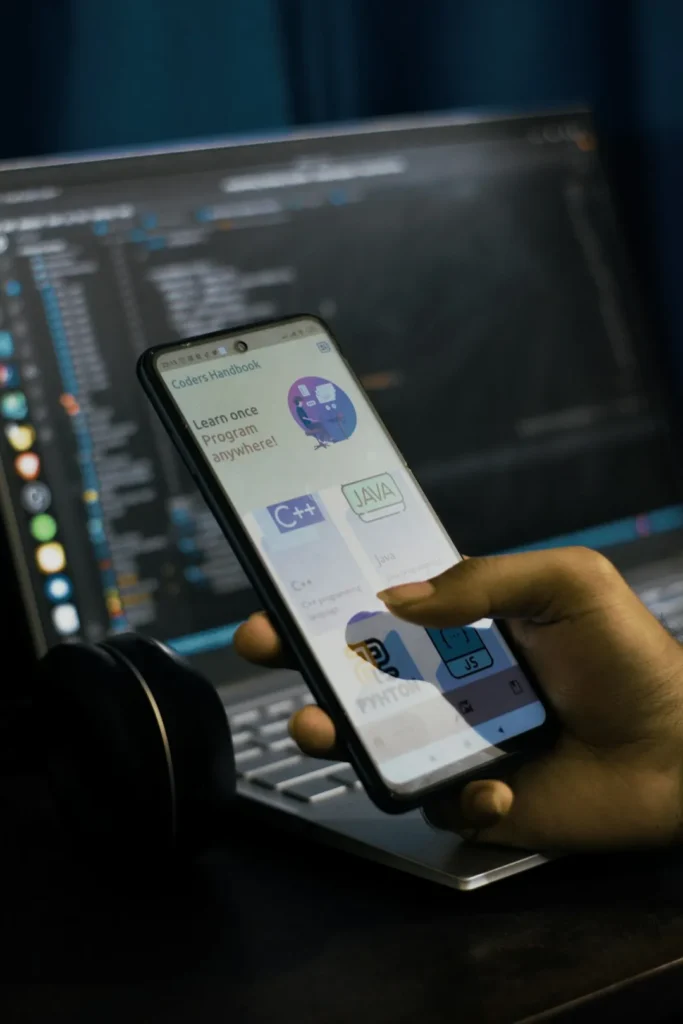
With over 60% of web traffic coming from mobile devices, designing for small screens isn’t optional—it’s essential. But mobile-first design isn’t just about making things smaller; it’s about rethinking interaction patterns entirely.
The Thumb Zone Principle
Most people hold their phones with one hand, using their thumb to navigate. This creates natural “zones” of easy, awkward, and hard-to-reach areas on the screen.
Design for Thumb Reach
- Bottom Navigation: Place primary actions within easy thumb reach at the bottom
- Large Touch Targets: Make buttons at least 44×44 pixels to prevent mis-taps
- Avoid Top Corners: Don’t place critical actions in hard-to-reach top corners
- Swipe-Friendly: Enable gesture navigation for common actions
“The best mobile interfaces disappear. Users should accomplish their goals without thinking about the UI.” — Elena Rodriguez
Progressive Disclosure
Mobile screens have limited real estate. Show users only what they need, when they need it. Progressive disclosure reduces cognitive load and prevents overwhelming interfaces.
Techniques That Work
- Collapsible sections for secondary information
- Bottom sheets for contextual actions
- Inline expansion for additional details
- Step-by-step flows instead of long forms
Touch-Optimized Interactions
Gestures can make interfaces feel more natural and efficient on mobile. But they must be discoverable and consistent with platform conventions.
Common Gesture Patterns
- Swipe to Delete: Familiar from email apps, great for lists
- Pull to Refresh: Standard for content feeds
- Pinch to Zoom: Essential for images and maps
- Long Press: Reveal contextual menus or additional options
Performance Matters More
Mobile users often deal with slower connections and less powerful processors. Every millisecond counts.
- Optimize images for mobile devices
- Lazy load content below the fold
- Minimize JavaScript bundle size
- Use skeleton screens for perceived performance
Context-Aware Design
Mobile users are often on the go, distracted, or using their device with one hand. Design for these contexts:
- Larger, more readable typography
- High-contrast colors for outdoor visibility
- Quick, interruptible tasks
- Smart defaults to minimize input
Testing on Real Devices
Desktop browsers’ mobile emulation is useful, but there’s no substitute for testing on actual devices. Touch interactions, performance, and ergonomics feel completely different on real hardware.
Mobile-first design is about respecting the constraints and opportunities of small screens. When done well, it creates experiences that feel effortless and natural.